Also available in: Français·हिन्दी·Polski·中文
Reading this in another language? Use your browser's built-in translate option. Button and field names stay in English on purpose, to match what you see in Keysender.
Connect your eBay seller account to Keysender to automate digital product delivery for eBay orders. Keysender authenticates with eBay, watches your listings for paid orders, and delivers the code through eBay messages or your Access Page. You can also read and answer eBay buyer messages from inside Keysender once the connection is live.
TL;DR
Make sure you have:
Open Integrations in Keysender and activate eBay.

Select eBay users in the left menu.
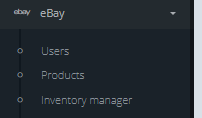
Click +Add new eBay user and enter your eBay login details.

Click Agree to authorize Keysender to access your eBay order information.
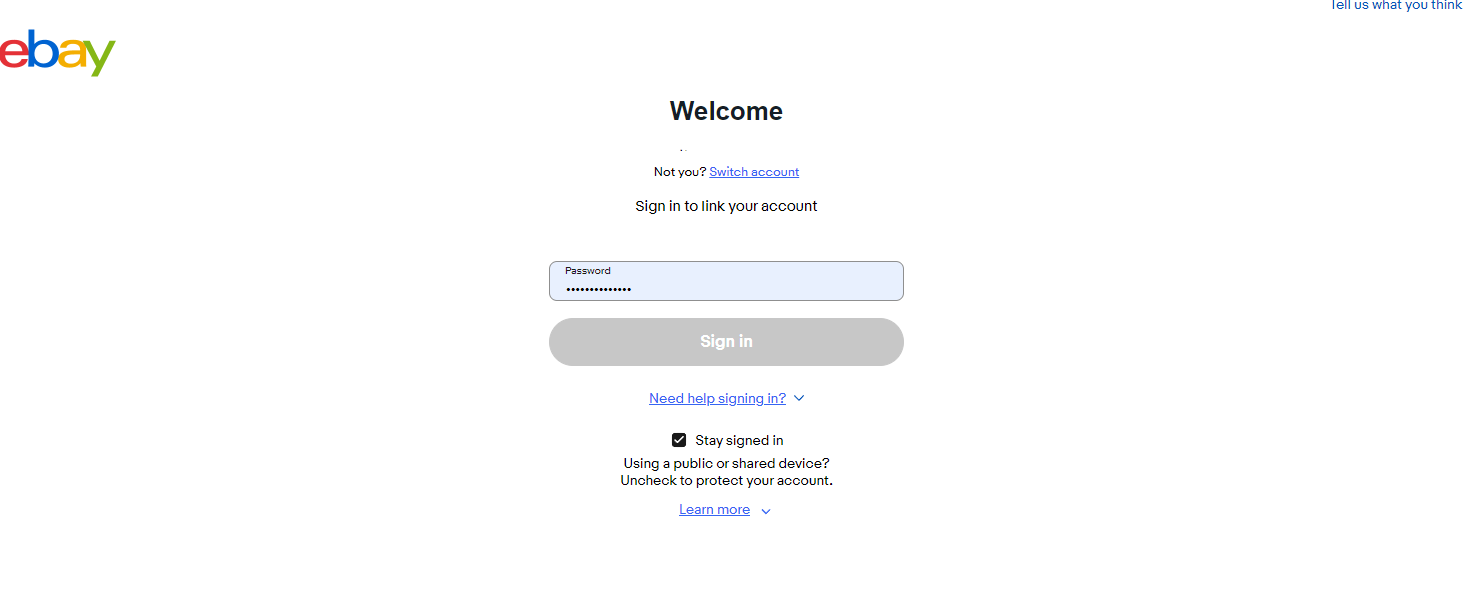
Wait for the connection confirmation message.
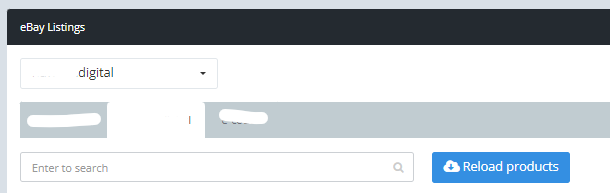
Open eBay then Products in Keysender.
Click Reload products to import your eBay listings.
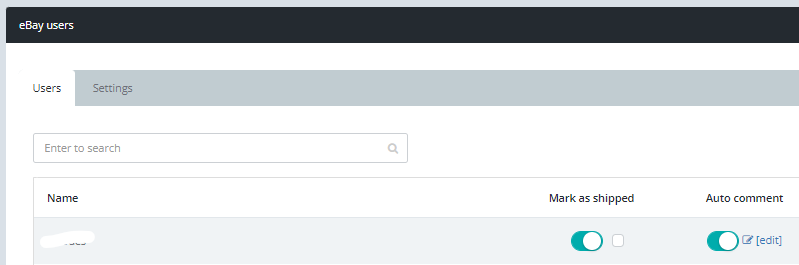
Enable auto mark as shipped so eBay marks orders as shipped when a code is dispatched.
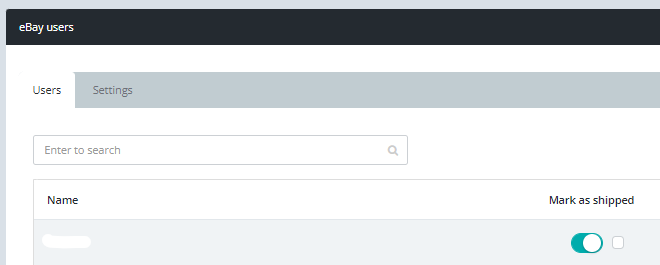
Enable auto-comment to add feedback automatically after an order is distributed.
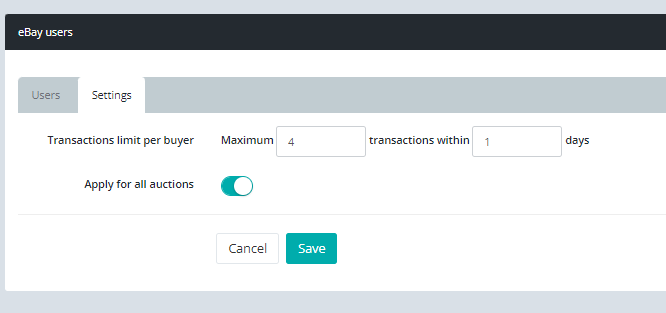
Open the Settings tab and set Transactions limit per buyer to limit how many purchases a single buyer can make.
Your eBay products appear in the Products list and your eBay username shows in the left corner. Check the token expiration date in the eBay users tab and update the token before it expires to avoid interruptions.

| Symptom | Cause | Action |
|---|---|---|
| eBay orders never arrive in Keysender | The eBay user's token has expired | Reconnect the user under eBay users and reauthorize with Agree |
| An order was placed but no code was delivered | The listing was not connected to an inventory | Connect the inventory, then resend the order |
| Feedback is not left automatically after delivery | Auto comment is off for that eBay user | Turn it on under eBay users, Users |
Submit a claim so Keysender Support can review it.
Open Integrations in Keysender and activate eBay. Select eBay users in the left menu, click Add new eBay user, and enter your eBay login details. Click Agree to authorize Keysender to access your order information, then wait for the connection confirmation message.
Enable auto mark as shipped so eBay marks orders as shipped when a code is dispatched. Enable auto-comment to add feedback automatically after an order is distributed. You can also set a transactions limit per buyer in the Settings tab.
Check the token expiration date in the eBay users tab and update the token before it expires. Keeping the token current avoids interruptions to your automated eBay order delivery, so renew it ahead of the expiration date shown in Keysender.
